
Key Takeaways
- Buying a home online is safe when using secure technology platforms and following best digital practices.
- Understanding each step and preparing key documents ensures a smooth digital home-buying experience.
More people are choosing to purchase homes entirely online. If you’re considering this route, knowing each step—and understanding how to complete transactions safely—will make the process smoother and less stressful. This guide explains what to expect, the documents you’ll need, and important tips to protect your personal and financial information.
What Does Buying a Home Online Mean?
Digital vs. traditional home purchase
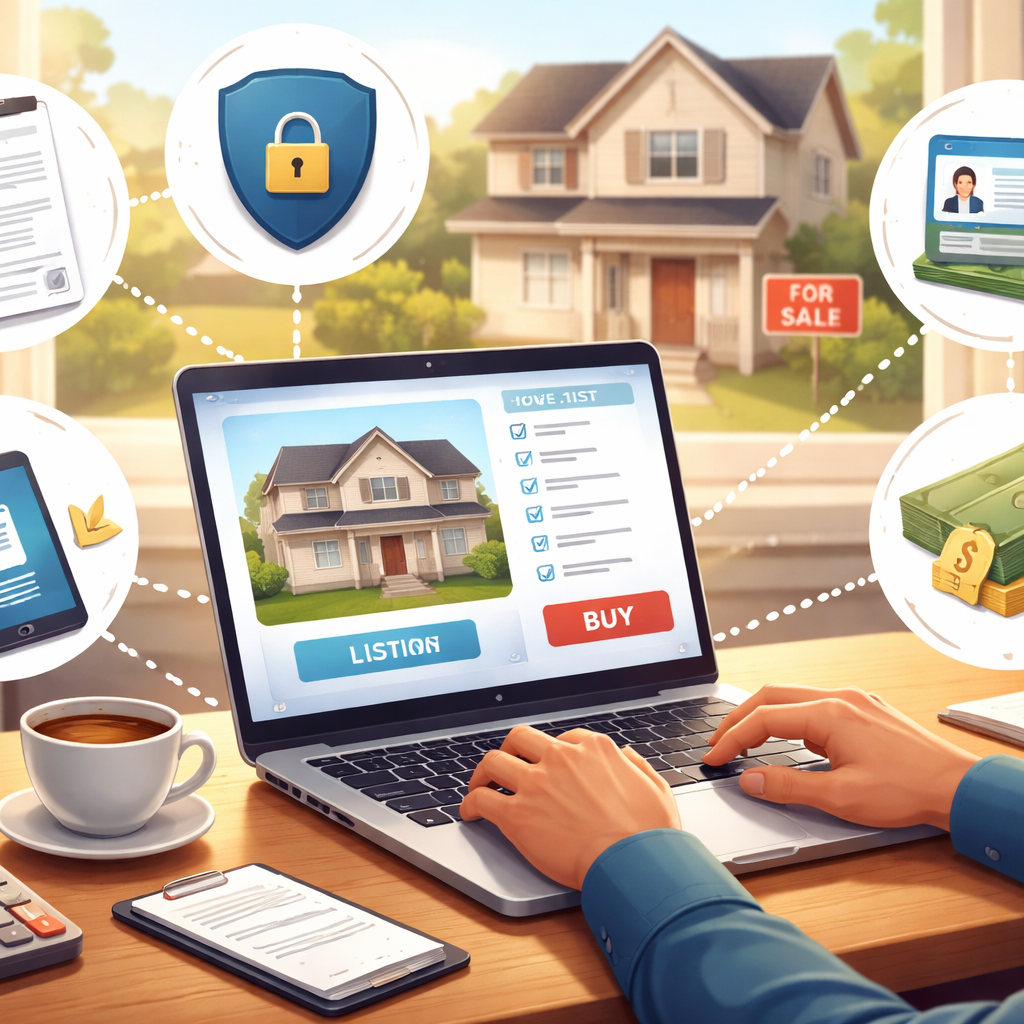
When you buy a home online, most or all steps—searching, touring, negotiating, and closing—happen over the internet. By contrast, traditional home buying involves in-person visits, paper documents, and face-to-face meetings. Digital home buying replaces much of that with secure online tools, allowing you to view listings, make offers, and sign contracts from almost anywhere. While the fundamentals are similar, the speed, convenience, and digital documentation distinguish online buying.
Key technology platforms involved
Several technology platforms power online home buying. Real estate websites host detailed property listings and virtual tours. Video conferencing tools allow “live” walkthroughs and meetings with real estate professionals. E-signature platforms, such as DocuSign, enable you to sign contracts digitally. Secure portals handle mortgage preapproval, document uploads, and payment transfers. Title companies and some notaries now offer digital closing services, making it possible to finalize purchases fully online in many areas.
Is Online Home Buying Safe?
Risks and benefits explained
Online transactions, including home buying, have become much safer thanks to advances in digital security. Encrypted websites and identity checks are standard. However, no system is perfect—risks include phishing attempts, wire fraud, or scams involving fake listings. The benefits are significant: convenience, efficiency, and the ability to compare homes statewide or nationwide. You often avoid travel and paperwork delays, but it’s vital to stay alert to online safety best practices.
Tips to identify scams
To protect yourself, work only with verified platforms and professionals. Look for HTTPS and security certificates on websites. Never send money or sensitive information to unfamiliar contacts or through unsecured channels. Confirm account numbers and closing instructions directly by calling your title agent or escrow office. If an offer, price, or request seems suspicious, seek a second opinion before proceeding. Trustworthy professionals will respect your caution.
Steps to Buy a Home Online
Step 1: Research your options digitally
Begin by browsing reputable real estate websites. Define your criteria—budget, location, type of home—and use filters to narrow your search. Read property descriptions carefully and study photos, floor plans, and neighborhood details.
Step 2: Get preapproved for a mortgage
Obtain an online preapproval from your preferred lender or bank. This step involves sharing financial information securely through their portal, like income statements and credit details. Preapproval clarifies your price range and assures sellers you’re a qualified buyer.
Step 3: Find and view homes virtually
Use virtual tour features or schedule live video calls with agents for walkthroughs. Ask questions in real time and request close-ups of features that matter to you. Consider touring homes at different times of day, if possible, to assess lighting and neighborhood activity.
Step 4: Make an offer online
When you find the right property, your agent can help prepare and submit an offer digitally. This process often includes negotiating terms, contingencies, and deadlines through secure online forms.
Step 5: Complete digital disclosures
Home purchases involve signing various disclosures about the property and transaction. Review each document—such as property condition, recent repairs, and association rules—before e-signing. Take your time and ask for clarification where needed.
Step 6: Schedule online inspections
Organize home inspections via web-based services or virtual appointments. Licensed inspectors can stream their reviews of the property and provide digital photo or video reports. Some buyers hire local contacts to join inspections if they can’t attend virtually.
Step 7: Review and sign contracts electronically
Once inspections are complete, review the final contract and terms. E-signature platforms allow you and all parties to sign securely and track every step. Always double-check names, dates, and details before adding your digital signature.
Step 8: Finalize digital closing and payment
At closing, you receive documents outlining the final purchase details. Funds are usually transferred by wire through encrypted banking portals or certified payment platforms. Some states require a remote notary—known as an e-notary—to witness the signing virtually and verify your identity.
What Documents Are Needed Online?
ID and proof of income
You’ll need to provide a government-issued photo ID, such as a driver’s license or passport. Mortgage preapproval will require proof of income—pay stubs, W-2 forms, or tax returns—to assess your ability to repay a loan.
Credit reports and bank statements
Lenders typically require permission to access your credit report and ask for recent bank statements. These help verify your financial stability and readiness to buy a home.
Digital signatures and verification
Digital transactions rely on e-signatures and identity checks. You may complete knowledge-based authentication (questions only you can answer) or upload a selfie to confirm your identity. Always follow secure verification steps provided by your lender, agent, or title company.
How to Ensure Transaction Security?
Encrypted platforms and two-factor authentication
Make sure every site or portal you use is encrypted (look for “https” and a padlock in your browser). Enable two-factor authentication when available, adding an extra layer of security for your accounts. This helps keep your personal and financial information out of reach from cybercriminals.
Best practices for document sharing
Only upload documents through official, secure portals. Avoid sending sensitive files by regular email. If sharing documents with a real estate professional, verify their contact information in advance and confirm you’re using their official website or app. Delete unnecessary copies of documents from your devices after the transaction.
Common Mistakes in Digital Purchases
Skipping live walkthroughs
It may be tempting to rely on photographs or pre-recorded video tours. However, skipping live walkthroughs means missing small details cameras might not capture—like street noise or subtle repairs needed. Insist on a live or interactive tour, or send someone you trust to view the property if you can’t attend yourself.
Overlooking digital contract details
Quick digital signing makes it easy to miss key points. Don’t rush: review every document thoroughly and ask clarifying questions. Understand contingencies, deadlines, and required actions to avoid surprises after signatures are completed.
Can All Buyers Use Digital Closings?
Eligibility and state regulations
Most buyers can use digital closings, but availability depends on state laws and the willingness of all parties involved. Some states allow fully remote notarization and e-signatures on all real estate documents, while others still require some in-person steps.
Alternatives if digital is not available
If digital closing isn’t available in your area, you can often complete most steps online and finish by signing physical papers with a local notary or at a title office. Ask your agent or title provider about hybrid options to minimize travel but stay compliant with regulations.